Set Certificate Authority permissions
After you create the PIV-PIV Authentication certificate template, you need to set the following permissions required to issue certificates with Microsoft CA:
User permissions
- Read
- Enroll
To set the Certificate Authority permissions, follow these steps:
- On the Microsoft CA machine, go to Start > Windows Administrative Tools > Certification Authority.
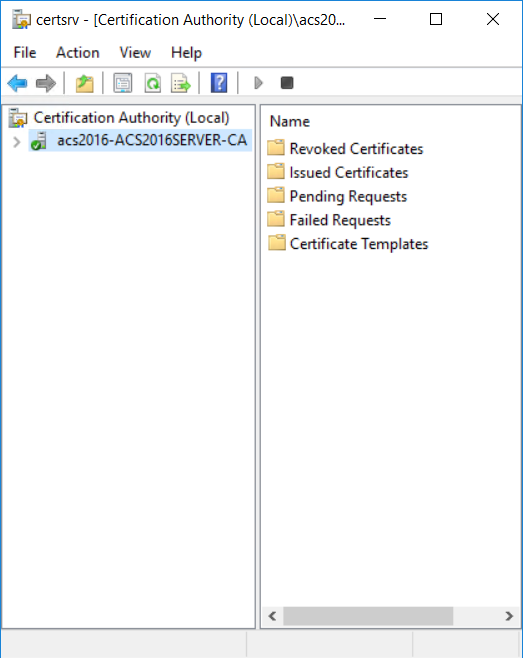
- To set the user permissions, right-click Certificate Templates, and then select Manage. The Certificate Templates Console appears.
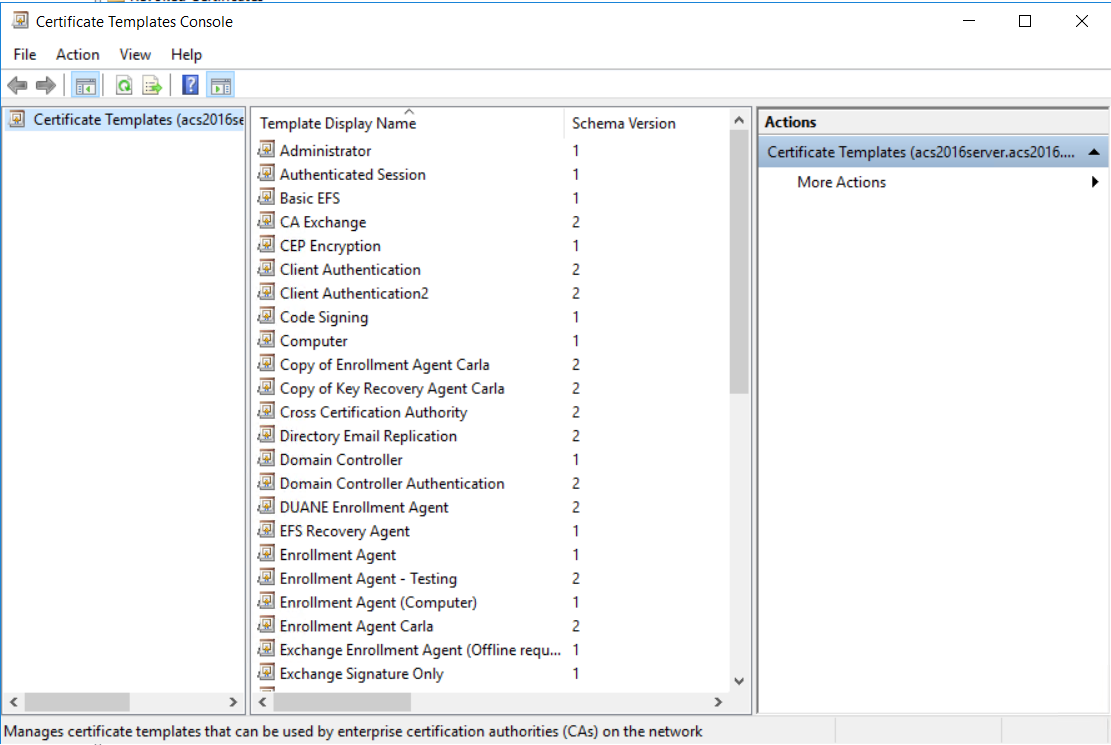
- In the templates list, double-click PIV - PIV Authentication. The PIV Authentication Properties dialog appears.
- Click the Security tab.
- In the Group or user names list, select the name of the administrator account for the Microsoft CA host computer.
- Under Permissions for <user account>, in the Allow column, ensure that Read and Enroll permissions are selected.
- Click OK to save the settings and close the window.